Public Action Visibility
Actions can be shown on your brigade’s public issues page, letting community members follow progress on issues they’ve reported (and vote on them, if voting is enabled). This guide covers showing an individual action publicly, and automatically making every new action of a system category or custom action type public by default.
Prerequisites
Section titled “Prerequisites”Public visibility only takes effect once Public Issues is enabled for your unit. See Manage Actions → Enable Public Issues and Public Brigade Page for how to turn this on.
If Public Issues is disabled, actions won’t appear on the public page regardless of their visibility setting.
Showing an Individual Action Publicly
Section titled “Showing an Individual Action Publicly”- Open the action’s detail page
- Find the Public Visibility card
- Click Show on Public Page
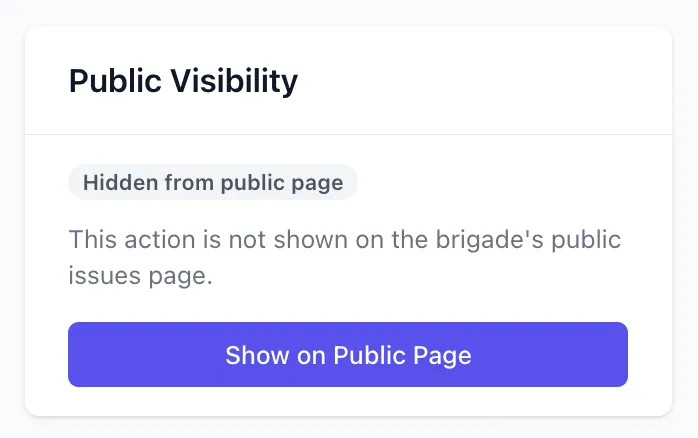
The action now appears on the brigade’s public issues page. Click Hide from Public Page at any time to remove it again.
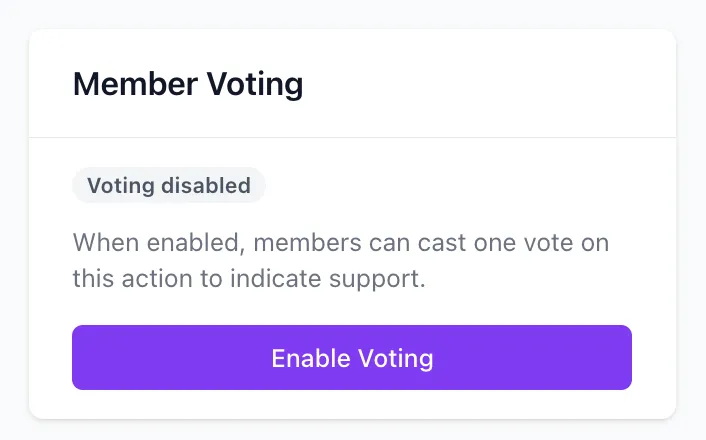
If Member Voting is also enabled on the action, public visitors can vote on it from the public page as well as members.
Making a Type or Category Public by Default
Section titled “Making a Type or Category Public by Default”Rather than toggling visibility action-by-action, you can configure a system category or a custom action type so that every new action created with it is automatically public.
System Categories
Section titled “System Categories”- Navigate to Actions
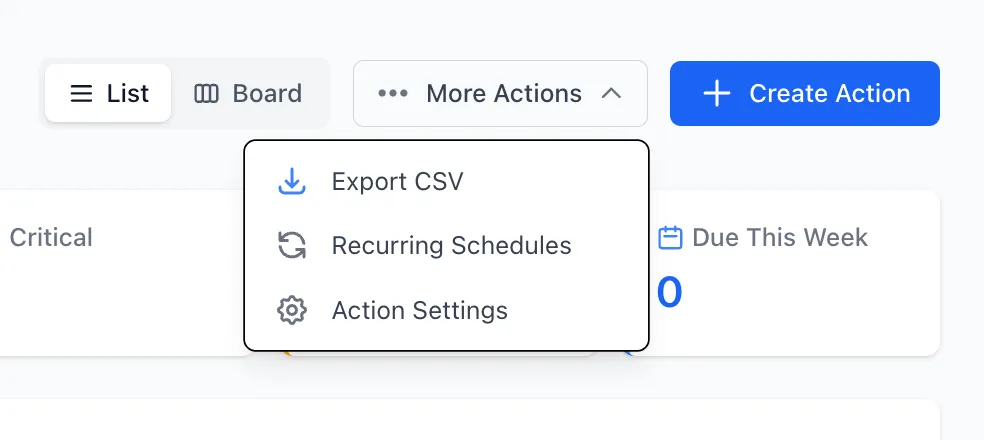
- Click the Action Settings button (top right of the actions page)
- Scroll down to System Category Notifications
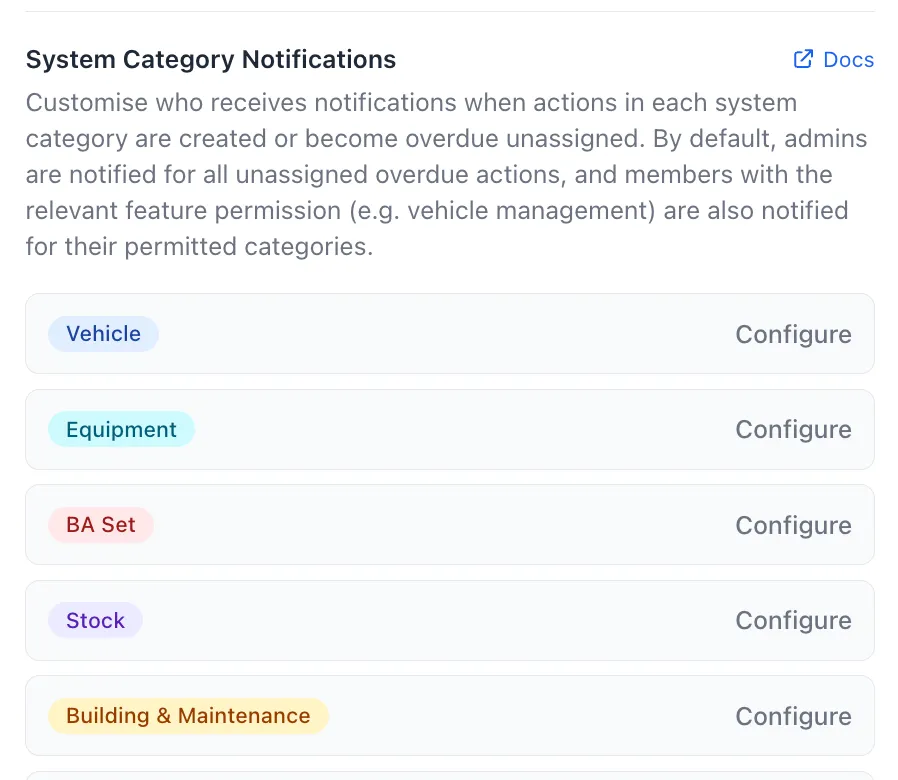
- Find the category you want to configure and click Configure
- Under Public Visibility, check Public by default
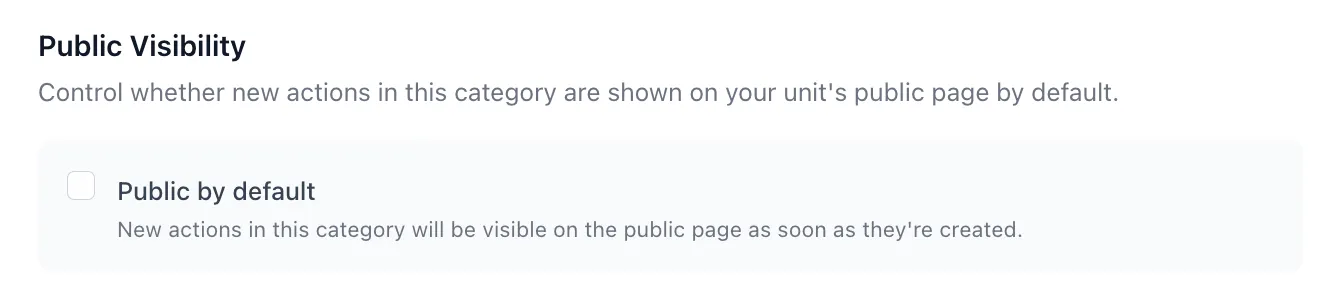
- Click Save Settings
The category row shows a Public by default indicator once this is active.
Custom Action Types
Section titled “Custom Action Types”- Navigate to Actions
- Click the Action Settings button (top right of the actions page)
- Under Custom Action Types, click Edit on the type you want to configure
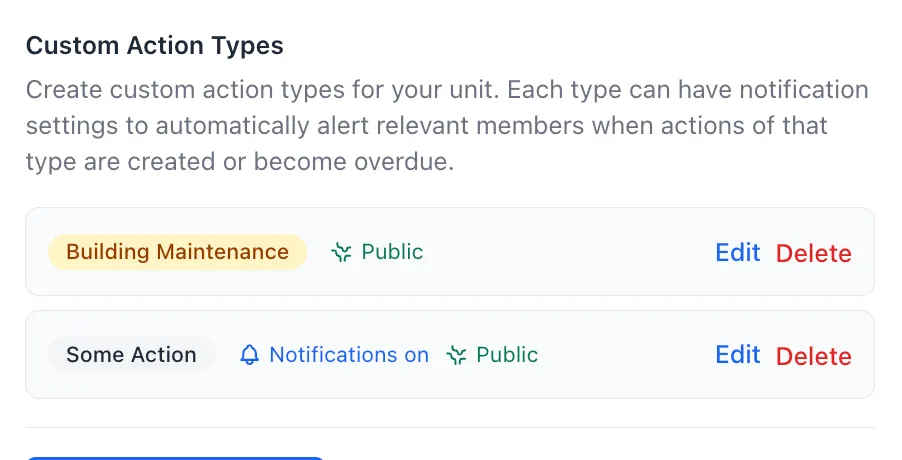
- Under Public Visibility, check Public by default
- Click Save
This is a separate setting from Show on public issue portal — that controls whether the public can select this type when reporting an issue, while Public by default controls whether actions the brigade creates with this type are automatically shown publicly. The two are commonly used together, but don’t have to be.
This only applies going forward: actions created before the setting was enabled keep their existing visibility and aren’t updated retroactively. You can still hide an individual action afterwards from its detail page if needed.
Related Guides
Section titled “Related Guides”- Manage Actions — creating and working with actions, including enabling Public Issues
- Action Notifications — configuring notification recipients for system categories
- Action Voting — letting members and public visitors vote on actions
- Public Brigade Page — setting up your brigade’s public portal